⚡ SPECIAL OFFER AVAILABLE TODAY ONLY 11/3/2026
Learn to Create, Set Up, Position, Prepare, Cut, and Engrave Your Projects in LightBurn More Easily, With Separate Guides for Every Task
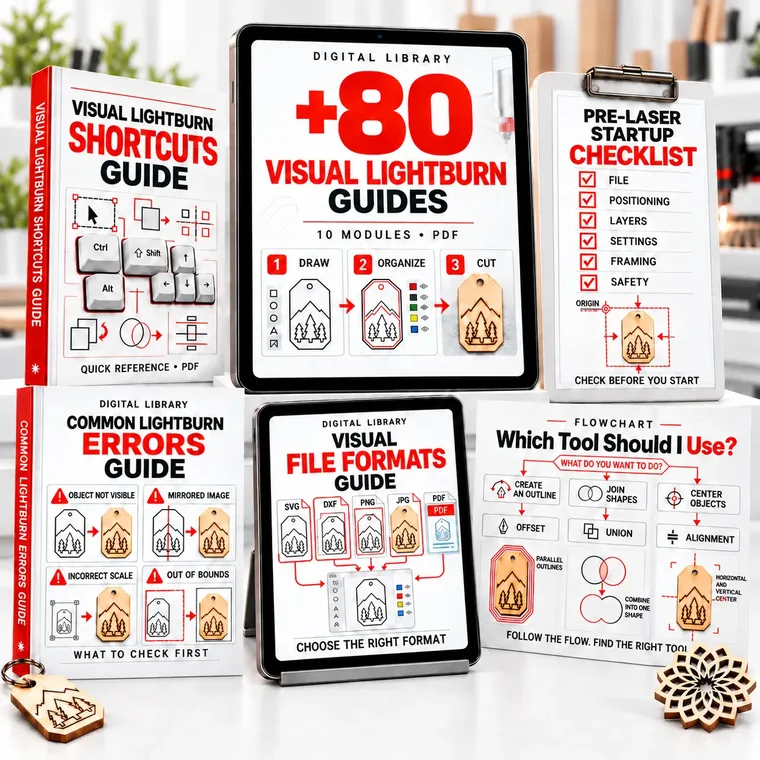
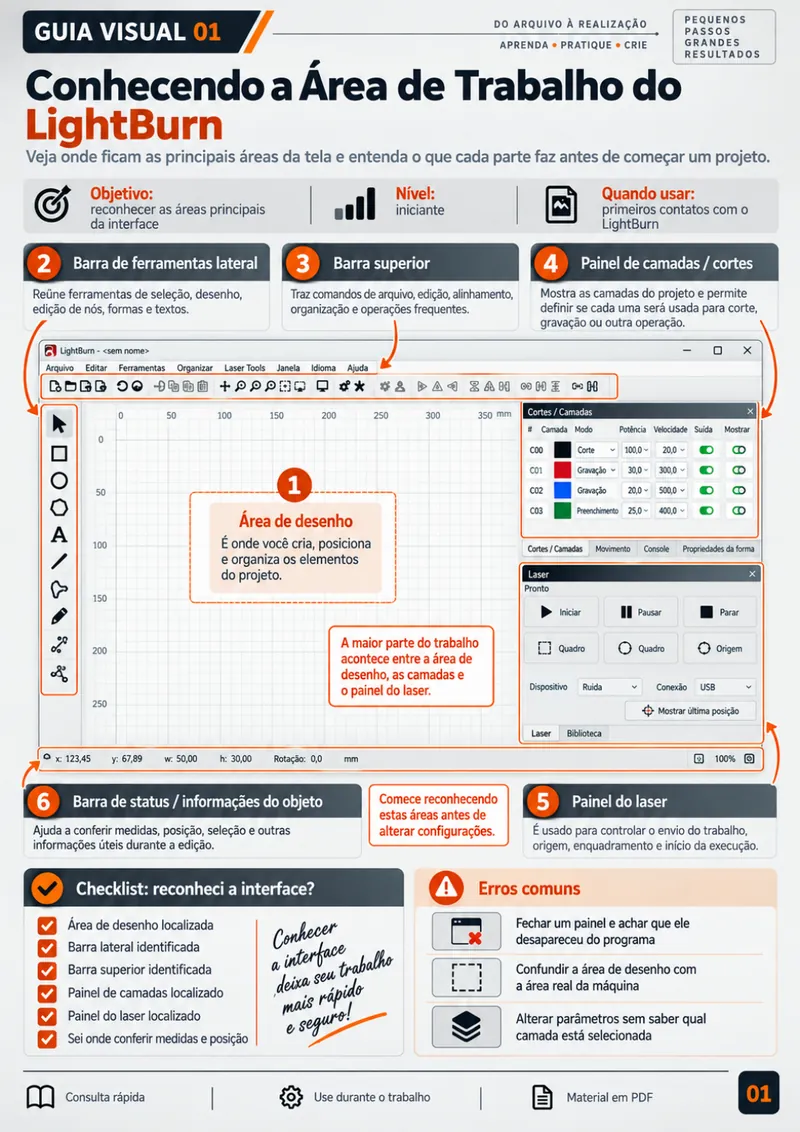
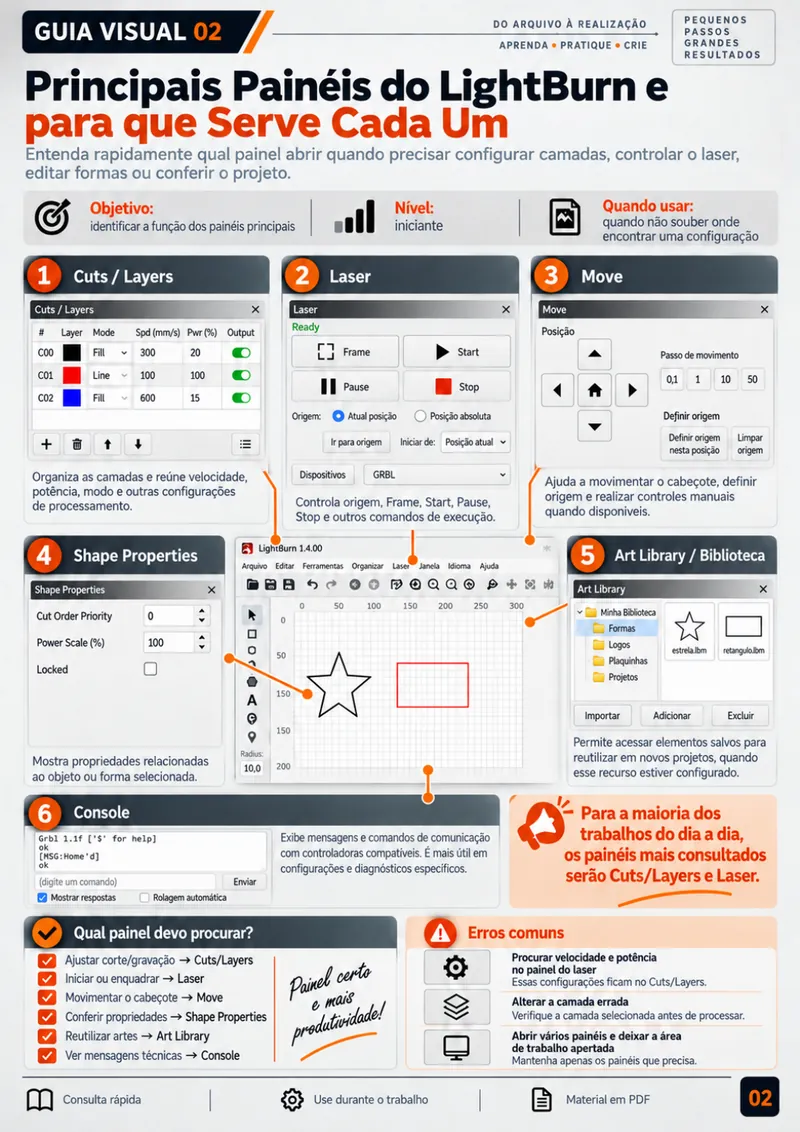
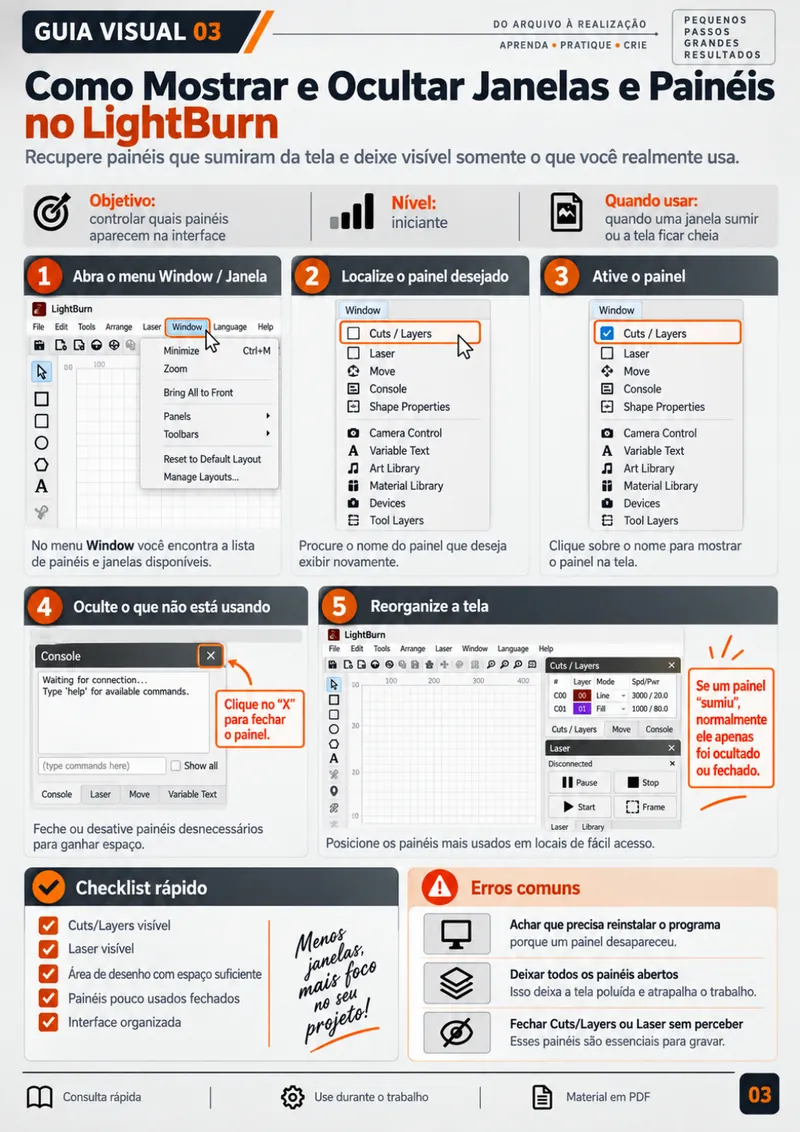
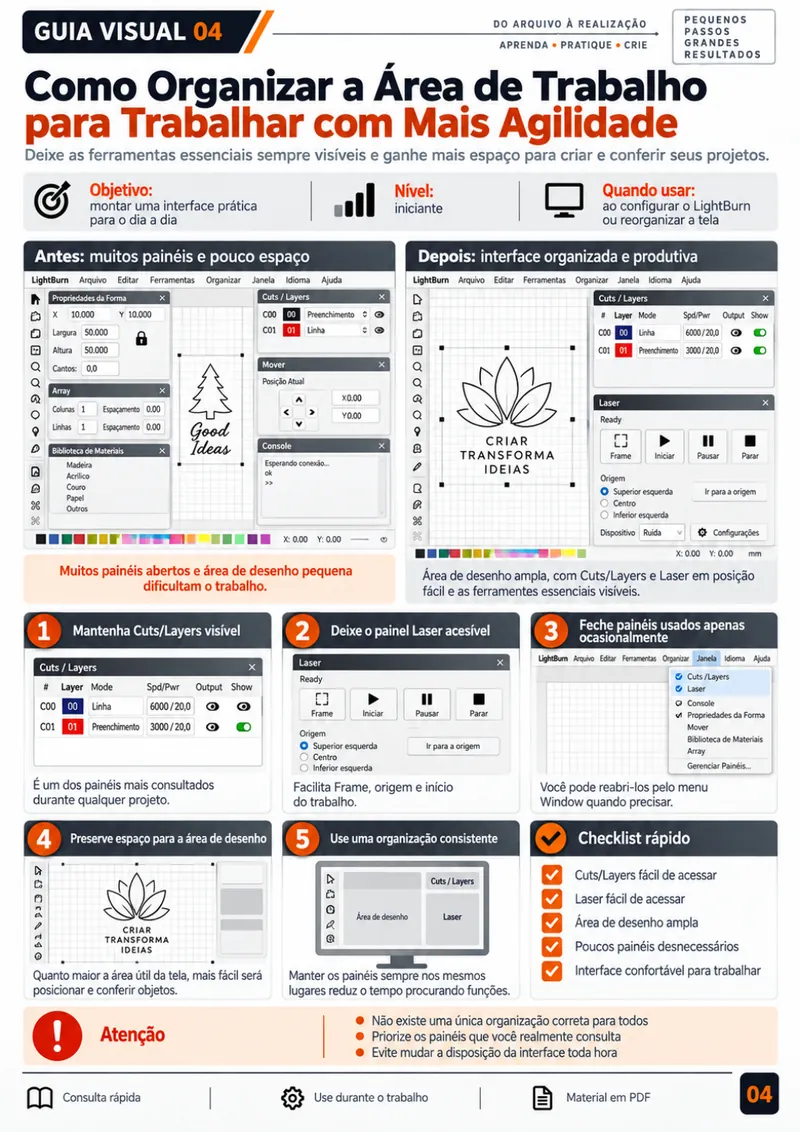
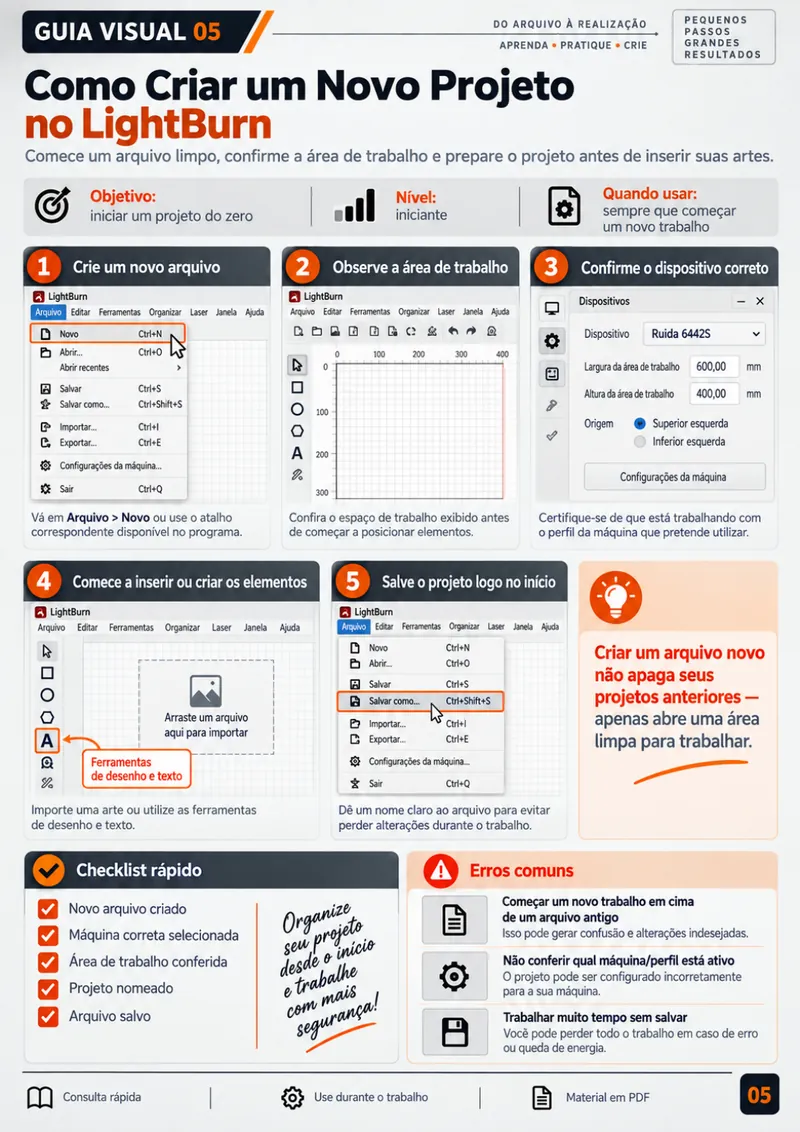
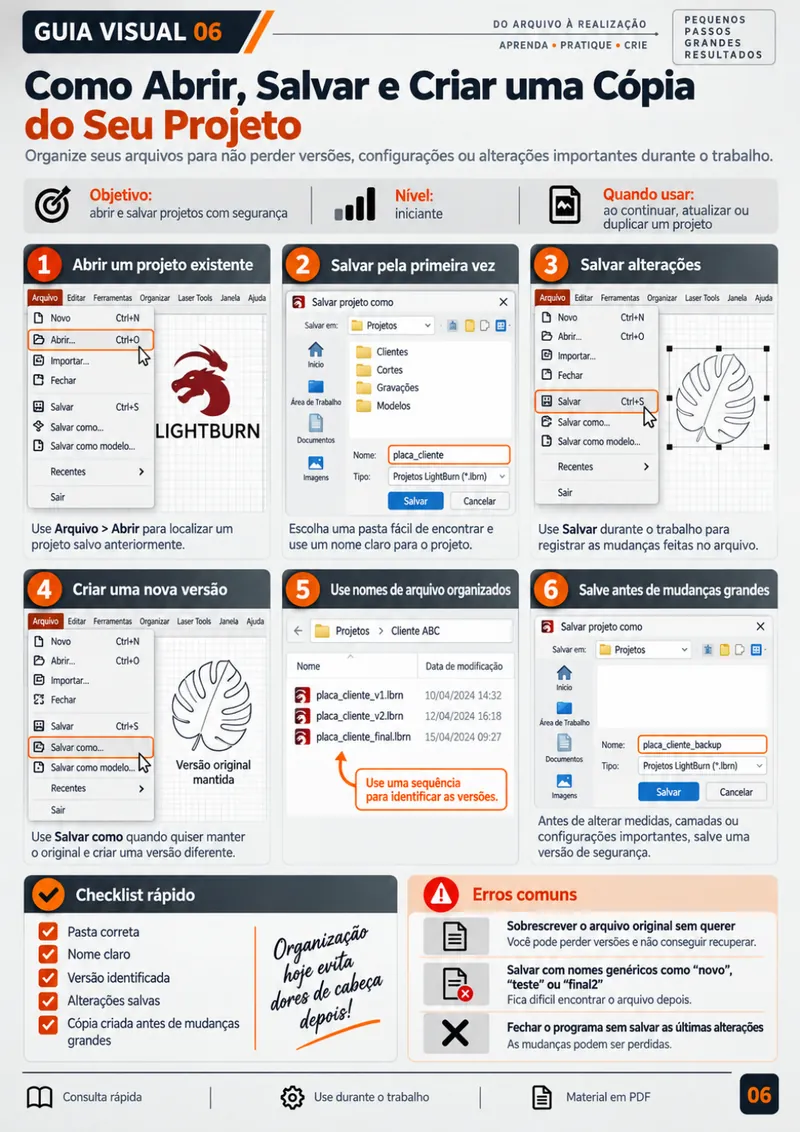
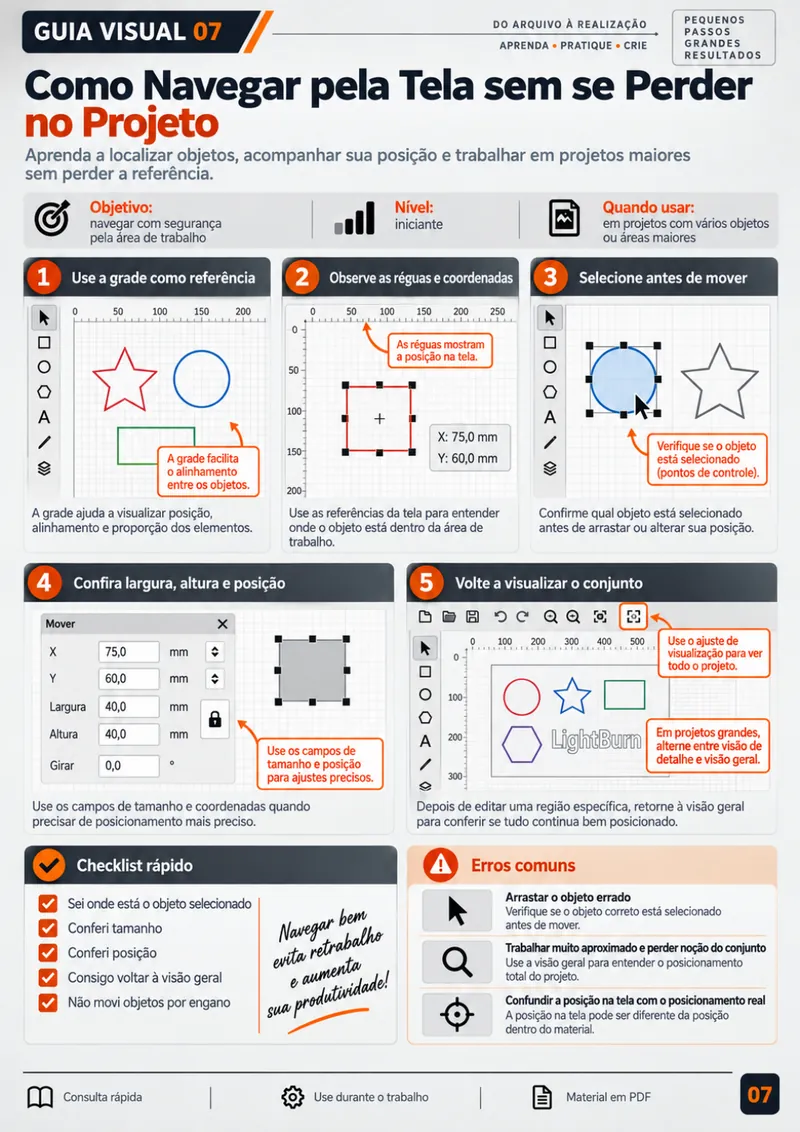
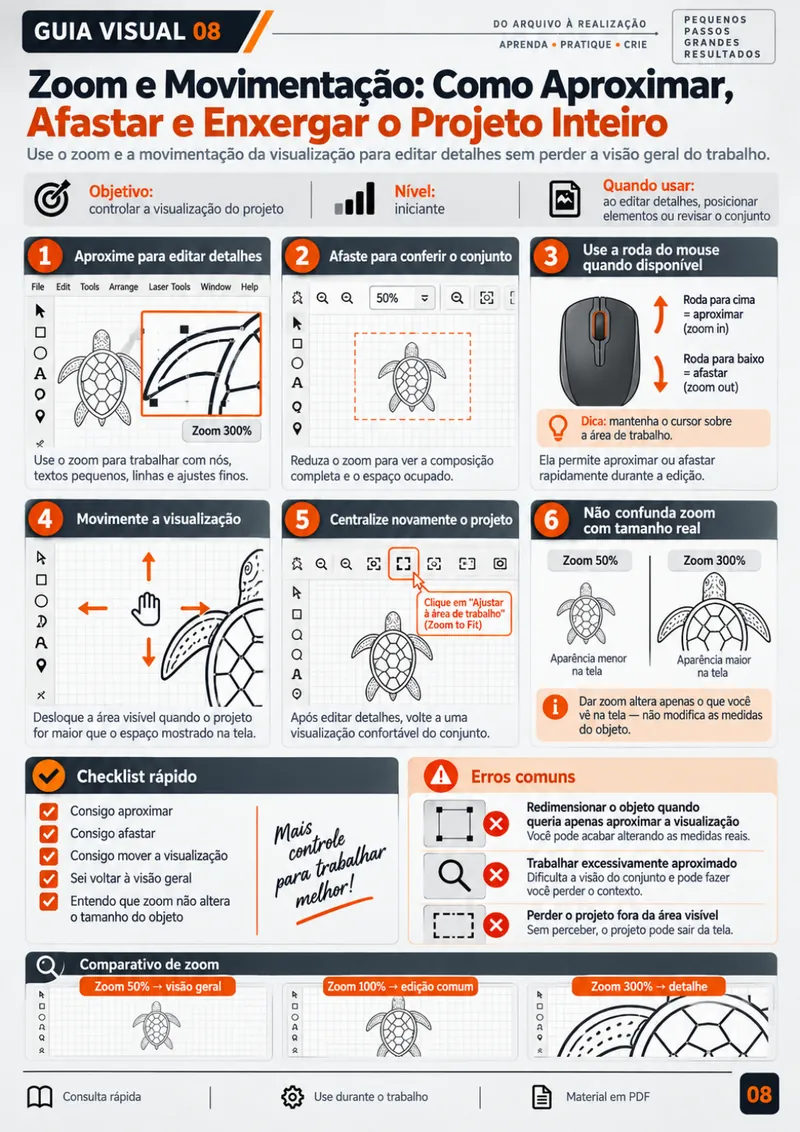
Every guide uses real screenshots of the interface to show you which tool to open, where to click, which steps to follow, and what to check before sending your project to the machine.
TAKE A LOOK INSIDE SOME OF THE GUIDES YOU'LL USE EVERY DAY!
THIS MATERIAL IS PERFECT FOR YOU IF YOU WANT TO:
STOP WASTING TIME WATCHING LONG VIDEOS JUST TO FIND ONE SIMPLE ANSWER
KNOW EXACTLY WHICH TOOL TO USE FOR EACH TASK, WITHOUT GETTING LOST IN PANELS AND MENUS
SET UP CUT AND ENGRAVE LAYERS WITHOUT SECOND-GUESSING LINE, FILL, AND FILL + LINE
HAVE A READY-TO-USE VISUAL REFERENCE RIGHT NEXT TO YOU WHILE YOU WORK IN LIGHTBURN
FEEL MORE CONFIDENT BEFORE SENDING A PROJECT TO THE MACHINE, WITHOUT WASTING MATERIAL ON UNNECESSARY TEST RUNS
GAIN THE INDEPENDENCE TO USE LIGHTBURN AND WORK FASTER ON THE PRODUCTS YOU SELL
EVERYTHING YOU'LL GET
EVERYTHING INSIDE THE VISUAL LIGHTBURN GUIDES
- Library of 80+ visual guides, organized by task
- In every guide: the situation, the tool to open, where to click, the step-by-step, and what to check before you finish
- LightBurn interface screenshots with arrows, markers, and highlights
- Module 1: Getting Started and the Interface
- Module 2: Importing and Organizing (SVG, DXF, images)
- Module 3: Shapes and Designs (outlines, offsets, joining and splitting)
- Module 4: Text (fonts, converting to curves, curved text, names for cutting)
- Module 5: Alignment and Positioning
- Module 6: Layers and Settings (Line, Fill, Fill + Line)
- Module 7: Images and Engraving
- Module 8: Machine Setup (Start From, User Origin, Frame)
- Module 9: Final Checks and Running the Job (Preview and last review)
- Module 10: Everyday Projects (keychains, signs, tags, simple boxes, and batch production)
- Short, straight-to-the-point explanations, with no long lessons or unnecessary theory
- Reusable material: come back to it any time you forget a function
- Access it on your phone, tablet, or computer while you work in the software
- PDF format, ready to view or print
- Instant delivery to your email after purchase
- Lifetime access: pay once, keep it forever
AND THAT'S NOT ALL... THERE'S MORE!
You'll also get…
🔥 5 EXCLUSIVE BONUSES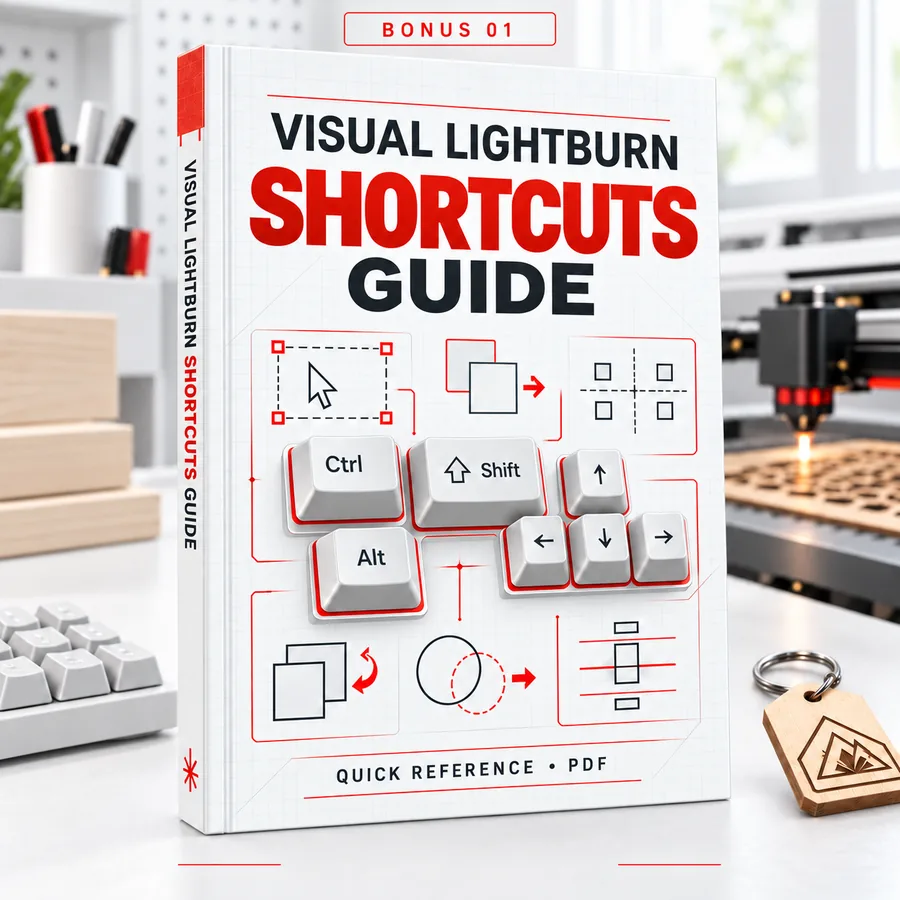 BONUS #1
Visual LightBurn Shortcuts Guide
The most useful keyboard shortcuts, organized by task, so you can handle your everyday actions faster and work with far more speed.
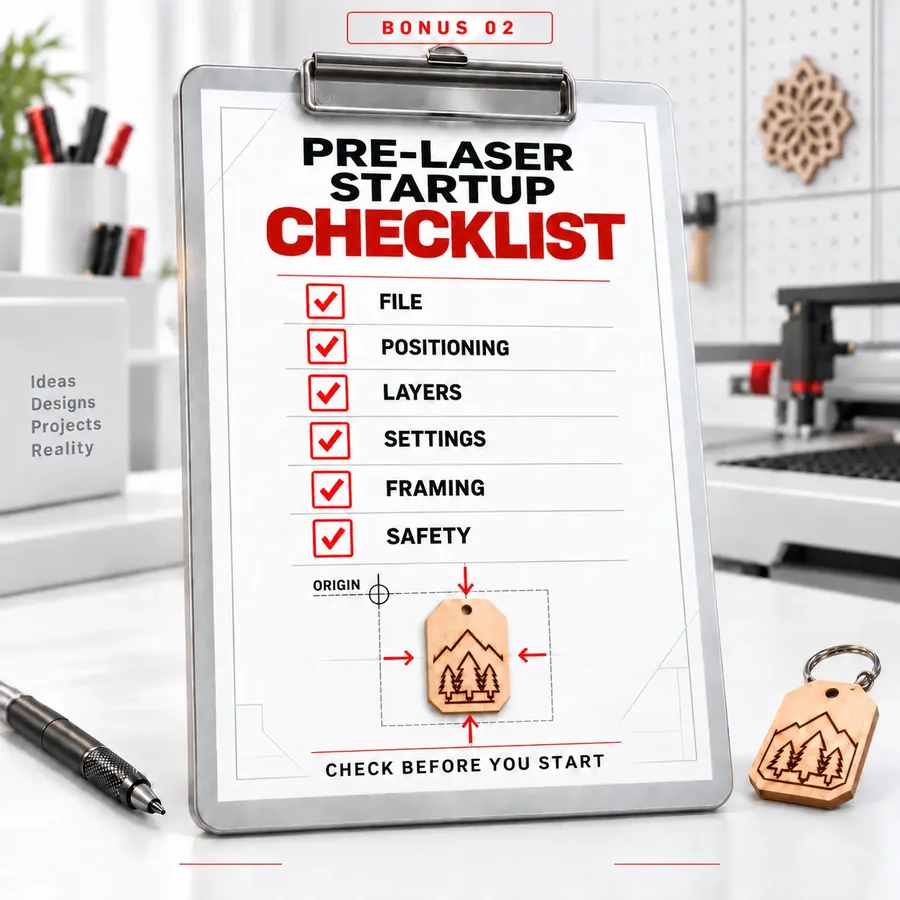 BONUS #2
Pre-Laser Startup Checklist
A visual checklist to verify your file, positioning, layers, settings, framing, and basic safety conditions before you hit the start button.
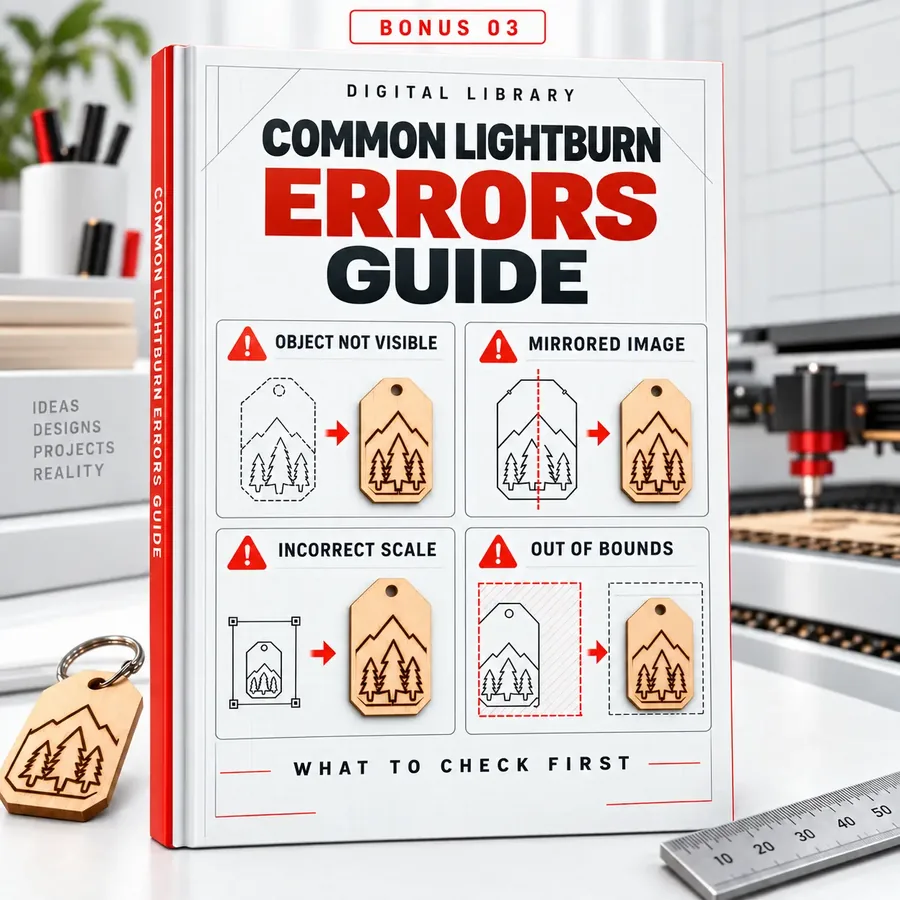 BONUS #3
Common LightBurn Errors Guide
"My object won't show up," "my engraving came out mirrored," "the layer won't run," "the scale is wrong," "the project is out of bounds." Visual panels show you what to check first.
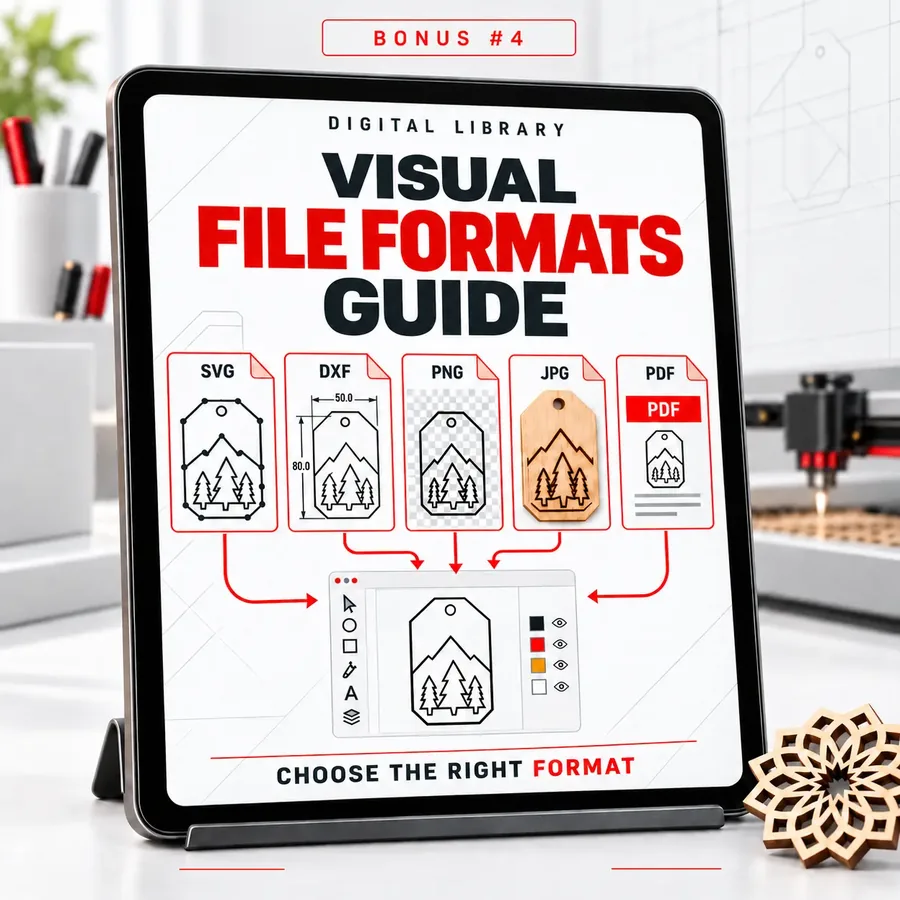 BONUS #4
Visual File Formats Guide
SVG, DXF, PNG, JPG, PDF, and more: when to use each one and what to expect when importing into LightBurn. No more files that open wrong.
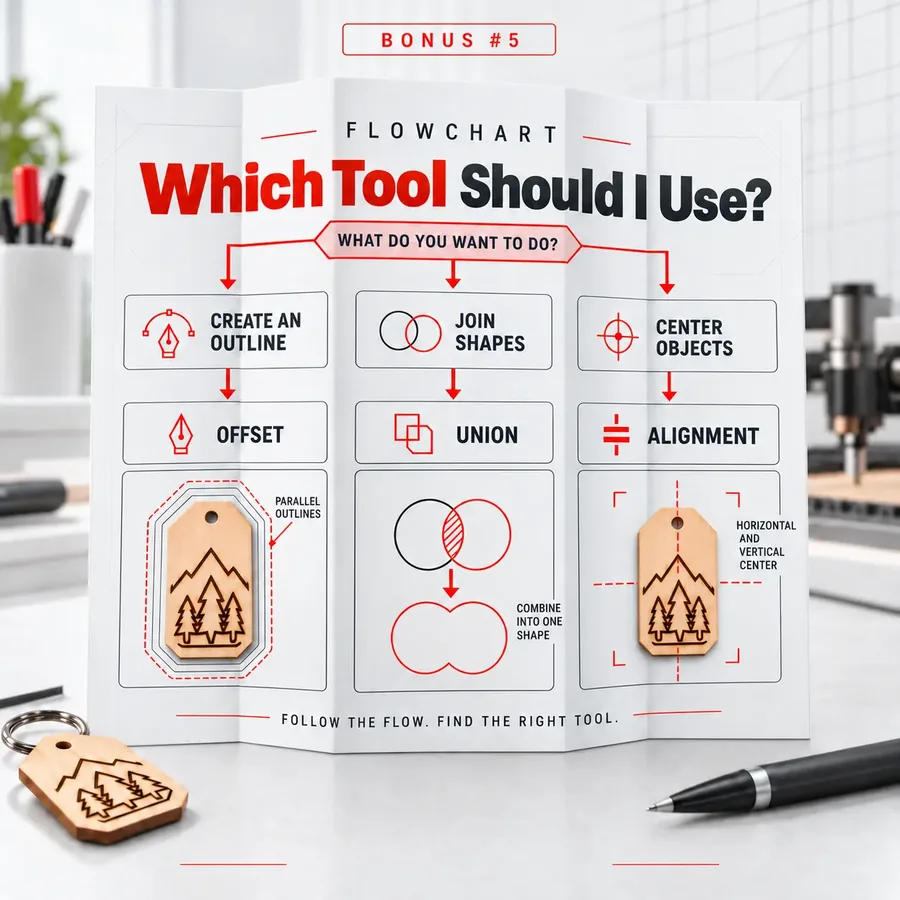 BONUS #5
"Which Tool Should I Use?" Flowchart
"I want to create an outline," "I want to engrave an image," "I want to join two shapes," "I want to center objects," "I want to cut and engrave in the same file." Follow the flow and land right on the function you need.
Choose the Option That's Right for You
BASIC PLAN
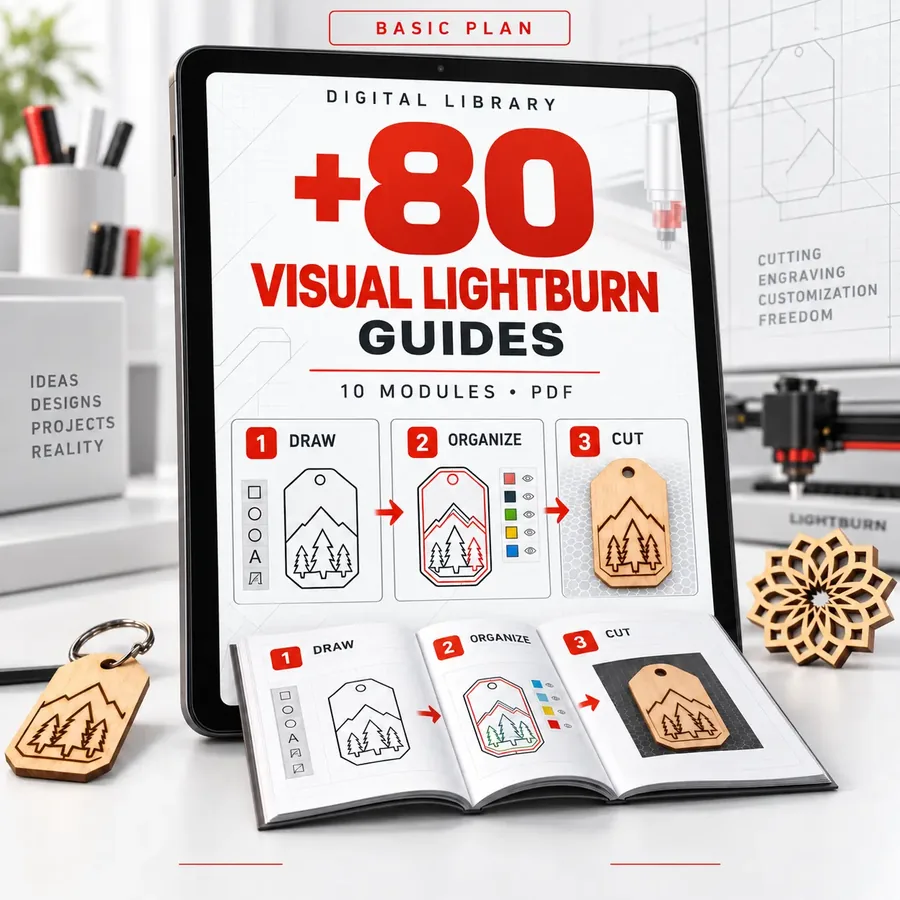
You get:
- 80+ Visual LightBurn Guides, organized by task
- In every guide: where to click, the step-by-step, and what to check
- Instant delivery to your email after purchase
- Lifetime access: pay once, keep it forever
from US$19.90 to:
US$6.90
I ONLY WANT THE BASIC PLAN92% of people take advantage of the offer below:
COMPLETE PLAN
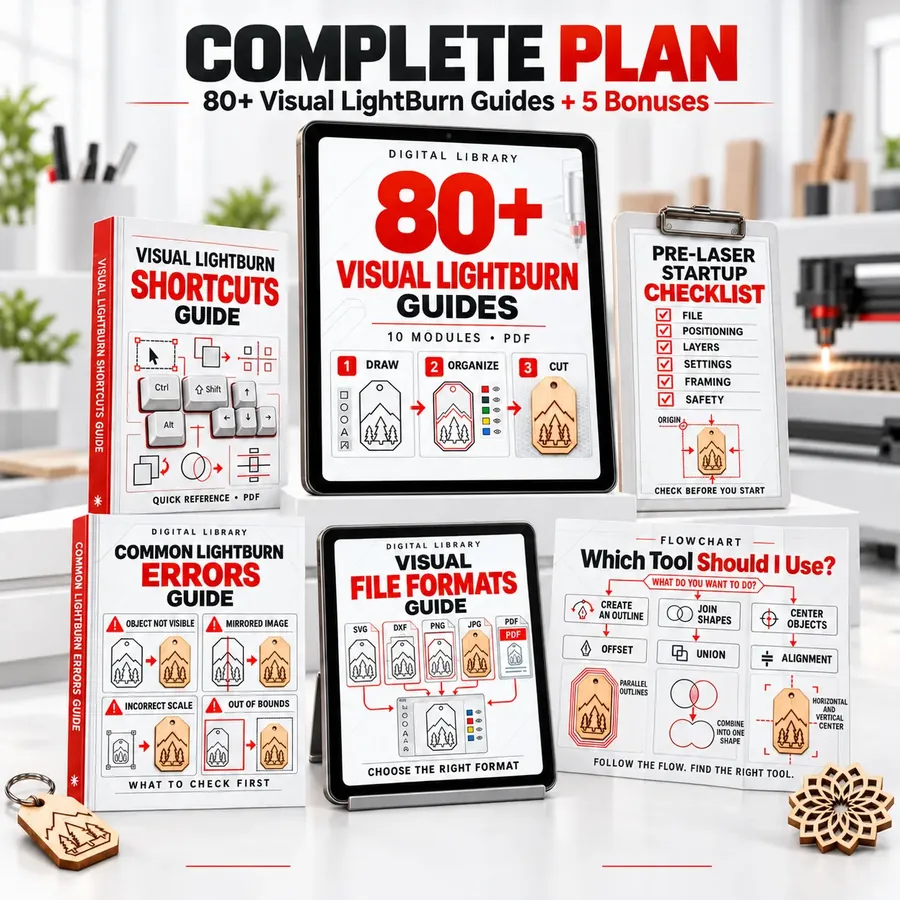
⚡ 2x more content
- The complete library of 80+ Visual LightBurn Guides
- In every guide: the task, the tool, where to click, and what to check
- Real interface screenshots, with arrows and visual markers
- All 10 modules, from Getting Started to Everyday Projects
- Layers, text, images, positioning, and machine setup
- Straightforward explanations, with no long lessons or theory
- PDF format, ready to view or print
- 🎁 Bonus 1: Visual LightBurn Shortcuts Guide
- 🎁 Bonus 2: Pre-Laser Startup Checklist
- 🎁 Bonus 3: Common LightBurn Errors Guide
- 🎁 Bonus 4: Visual File Formats Guide
- 🎁 Bonus 5: "Which Tool Should I Use?" Flowchart
- Instant delivery to your email after purchase
- Lifetime access: pay once, keep it forever
from US$39.90 to:
US$9.90
I WANT THE COMPLETE PLAN
You're covered by a 15-day guarantee on the 80+ Visual LightBurn Guides.
This guarantee exists because we believe in the practical value of this material. You're not buying a promise.